OXYGEN MONITOR FOR ULTRA HIGH PURITY WELDING APPLICATIONS
US & FOREIGN PATENTS ISSUED |
MADE IN THE USA
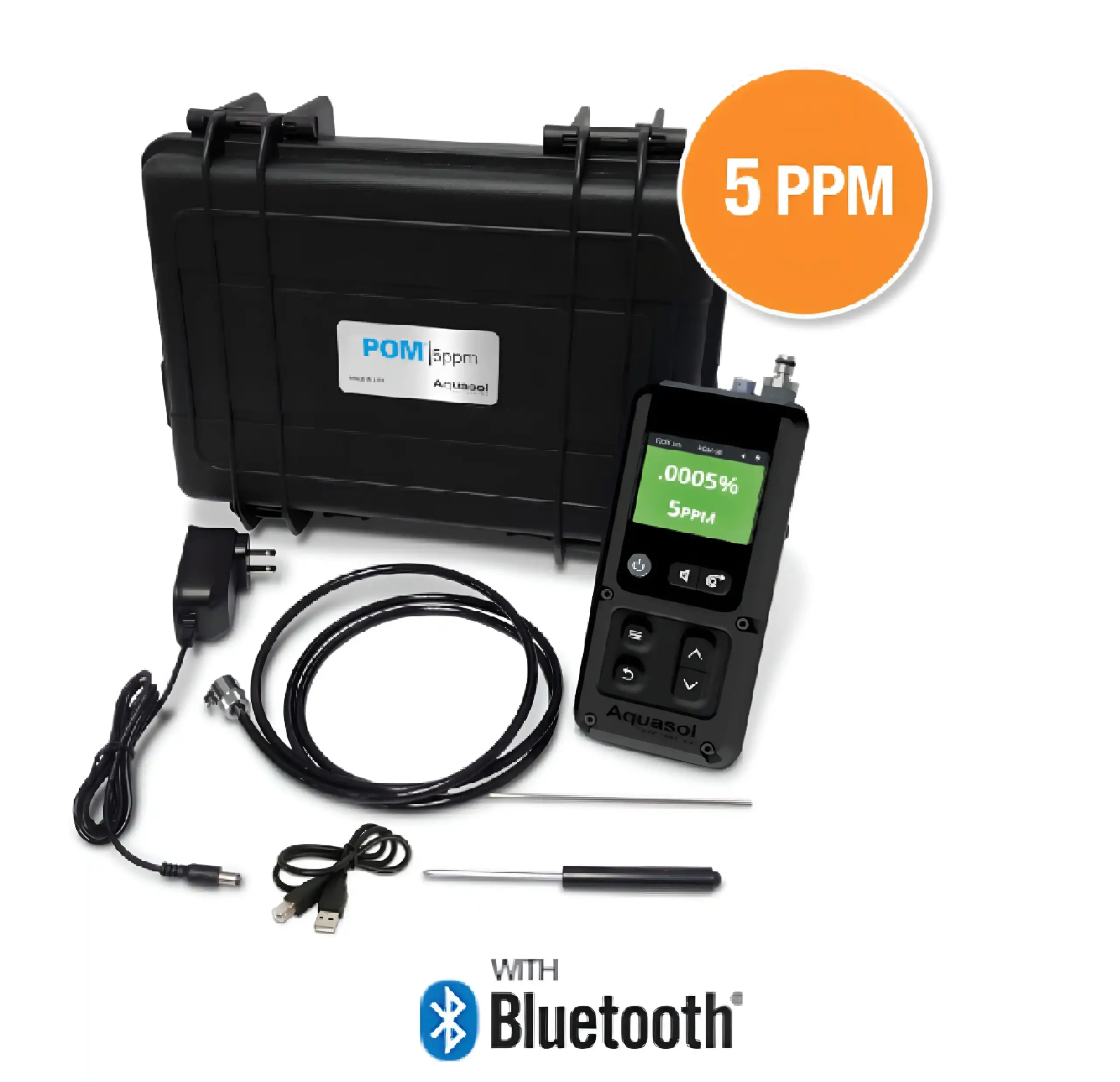
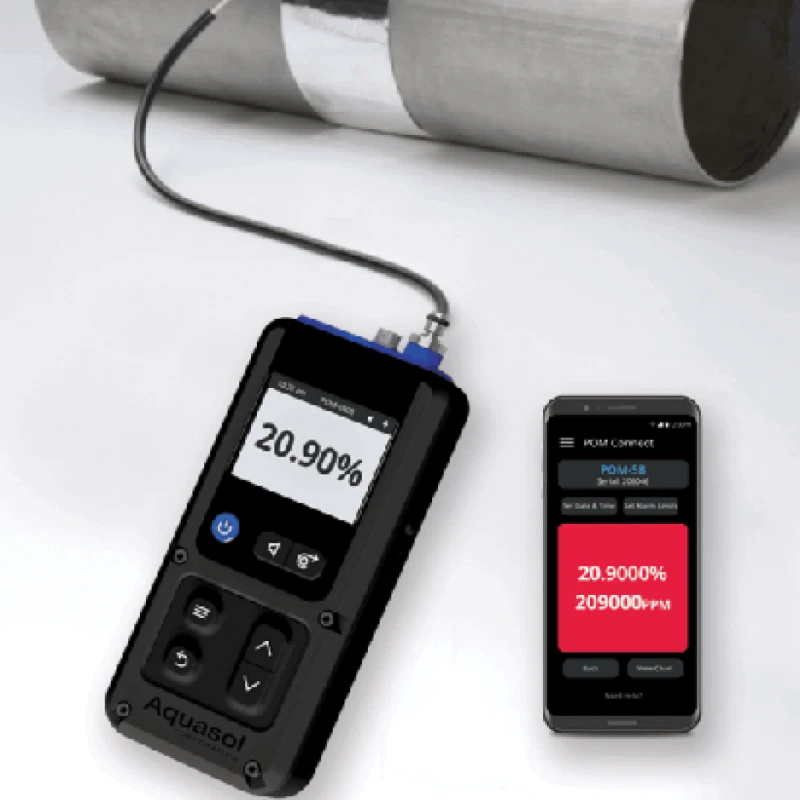
A Bluetooth-enabled handheld oxygen monitor that delivers real-time data directly to your device for improved quality control and productivity. Advanced, accurate, and app-enabled, it brings powerful monitoring, logging, and precision to every weld.
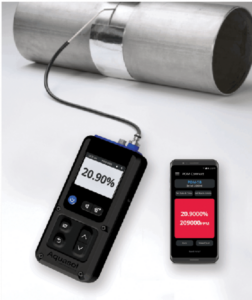
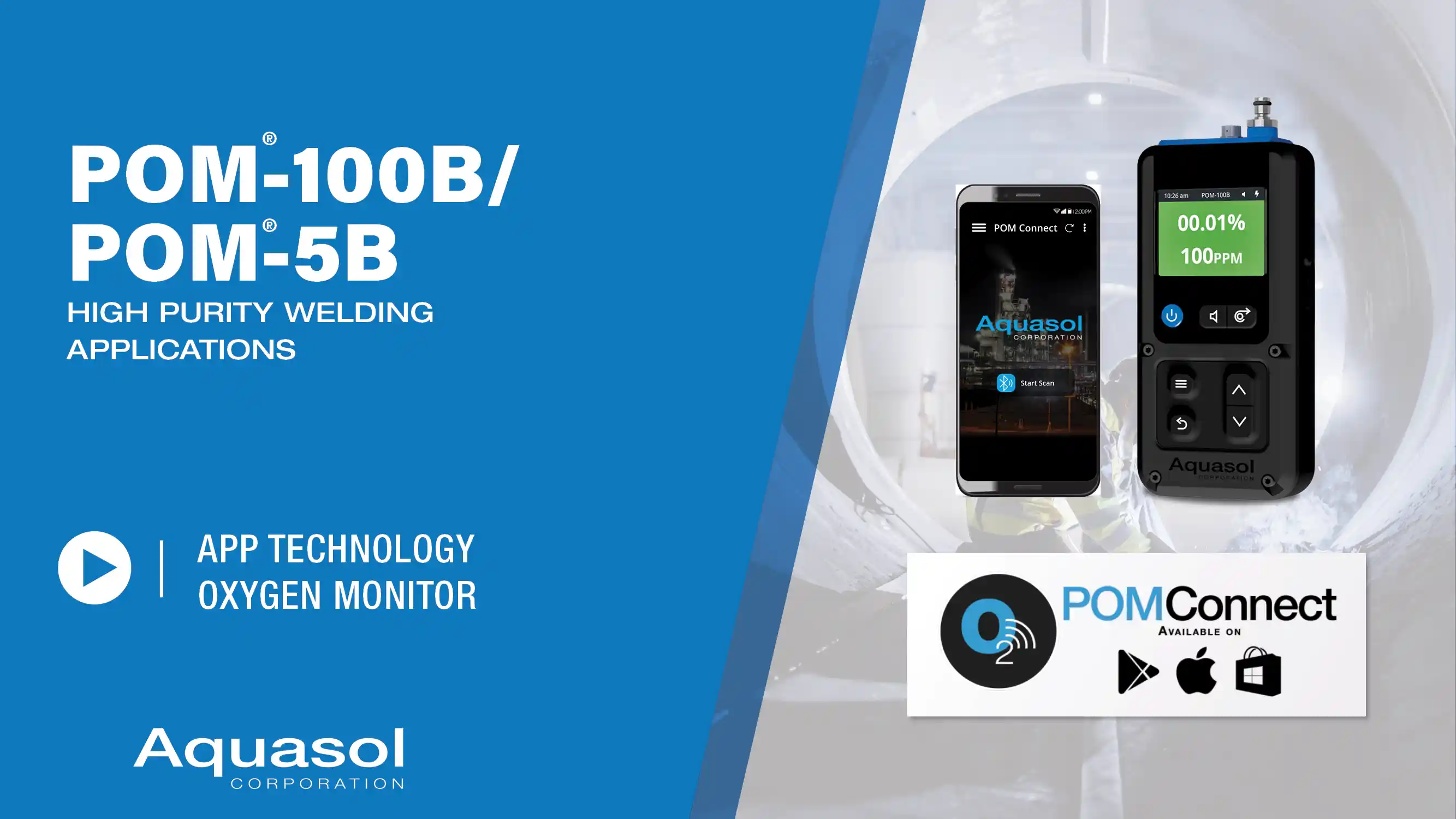
Aquasol has developed the first APP enabled handheld oxygen monitor for the welding industry. Compatible with Android, iOS and Windows; the patent-pending POM®-5B joins other well-known innovative brands in bringing the latest technology to welders’ fingertips. The APP allows users to monitor oxygen levels within a range of 100 feet (30 M) from the actual oxygen monitor with Bluetooth transmitting capabilities. Real-time monitoring improves the quality control process and improves productivity
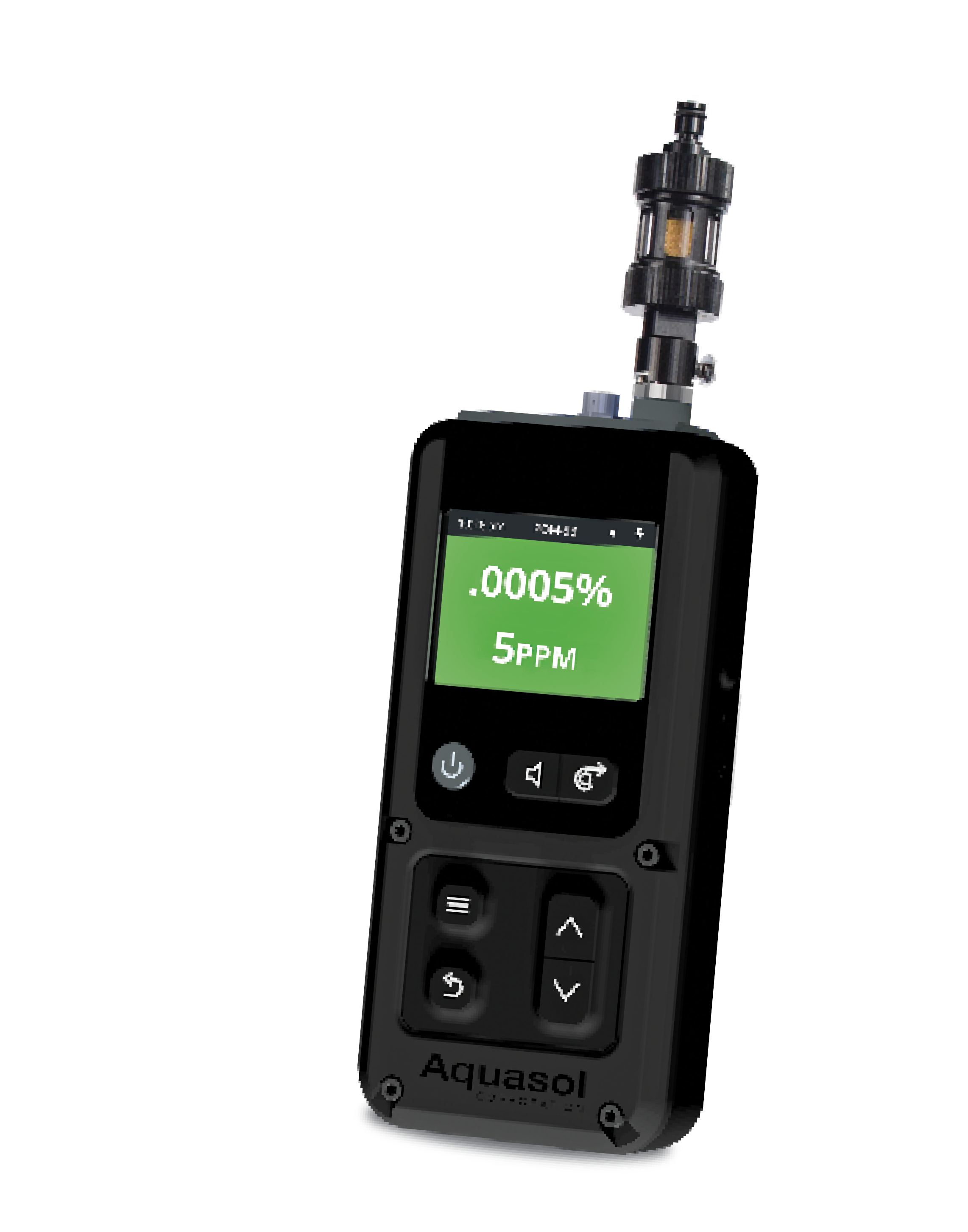
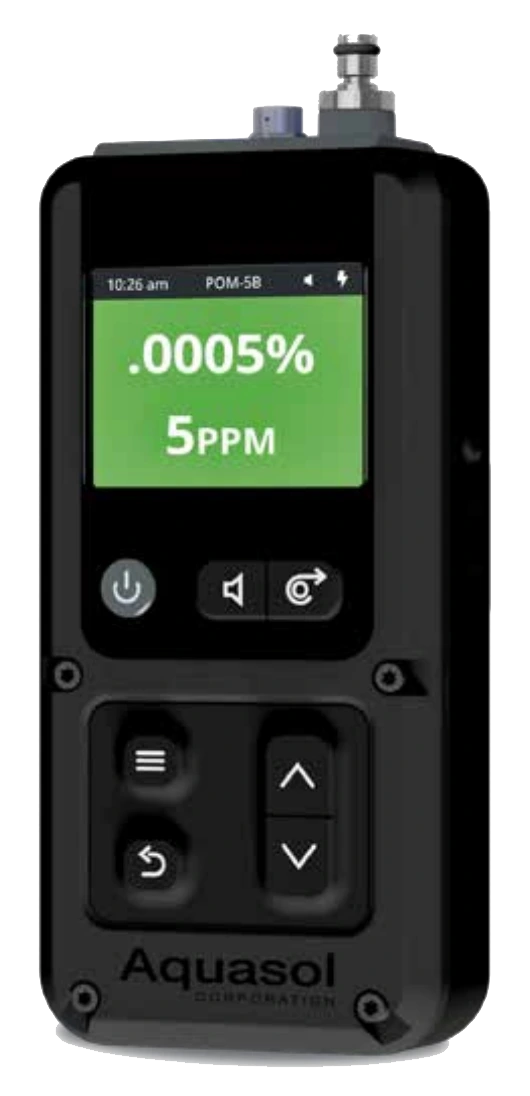
Simply said, the Aquasol POM-5B is a battery-powered, Bluetooth transmitting, rechargeable, handheld digital oxygen monitor with an internal pump that accurately measures oxygen concentration with 0.0005% (5 PPM) resolution. Oxygen is displaced by the purge gas to a pre-determined level set by the operator. Evacuation of oxygen is paramount in high purity welding to prevent oxidation, discoloration, and coking.
The POM-5B comes equipped with many advanced features such as its data logging capabilities, which allow operators to create infinite permanent records of real time data and export to Microsoft® Excel and plain text format.
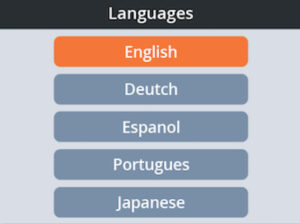
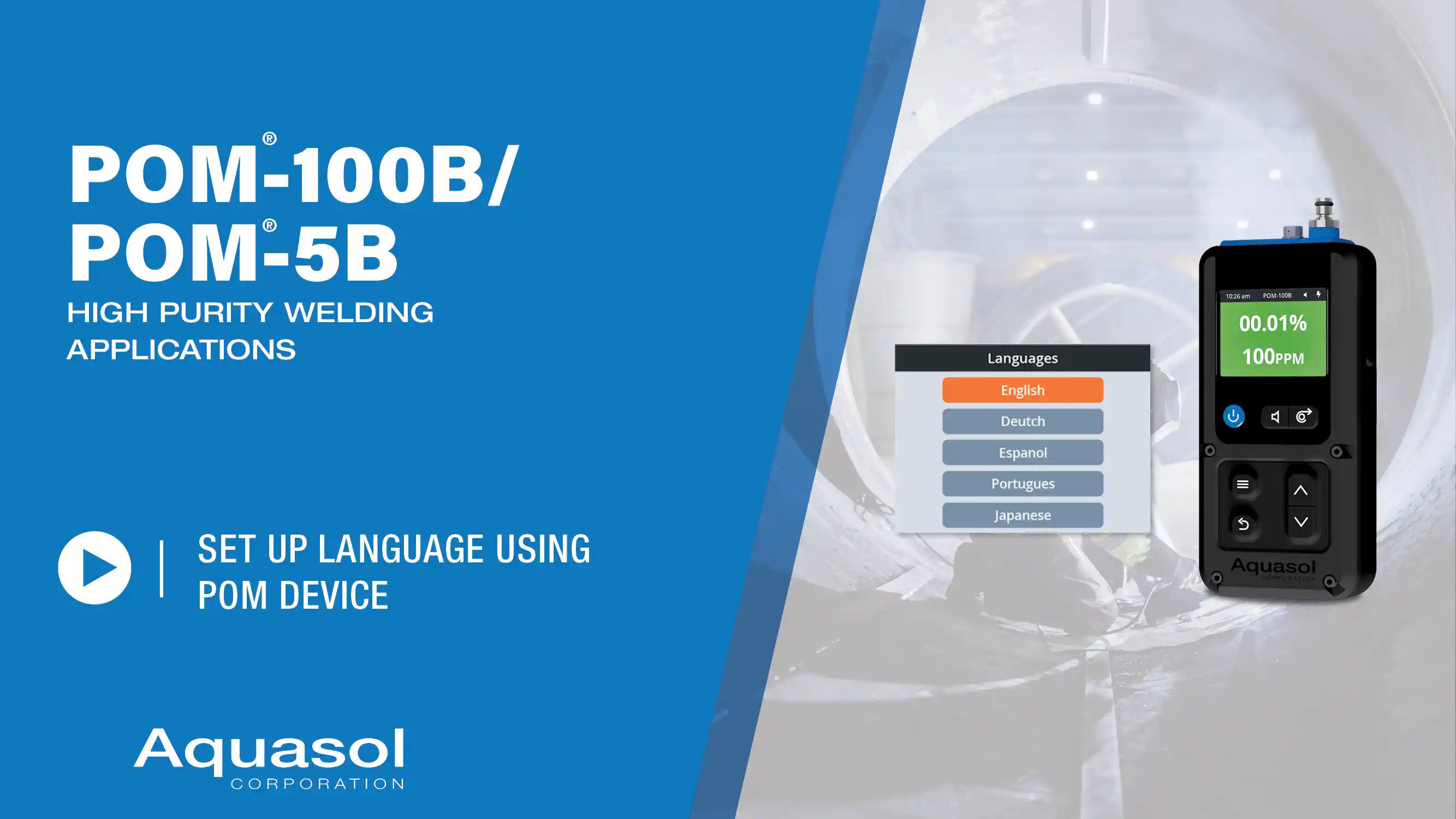
The POM-5B also offers a built-in, programmable multi-language feature with on-screen instructions that are available in English, Spanish, German, Portuguese and Japanese. Together with different voltage and frequency specifications and compatibilities, the POM-5B is the most universal oxygen weld monitor available on the global market today.
With its long battery life and fast charging capabilities, operators get the most power in the least possible time. That, coupled with dust and water proof construction means it can withstand unusual and severe environmental conditions without interfering with operation of the equipment.
With so many advanced features, the POM-5B is easily the most technologically advanced weld purge monitor on the market while always giving the most accurate measurement.
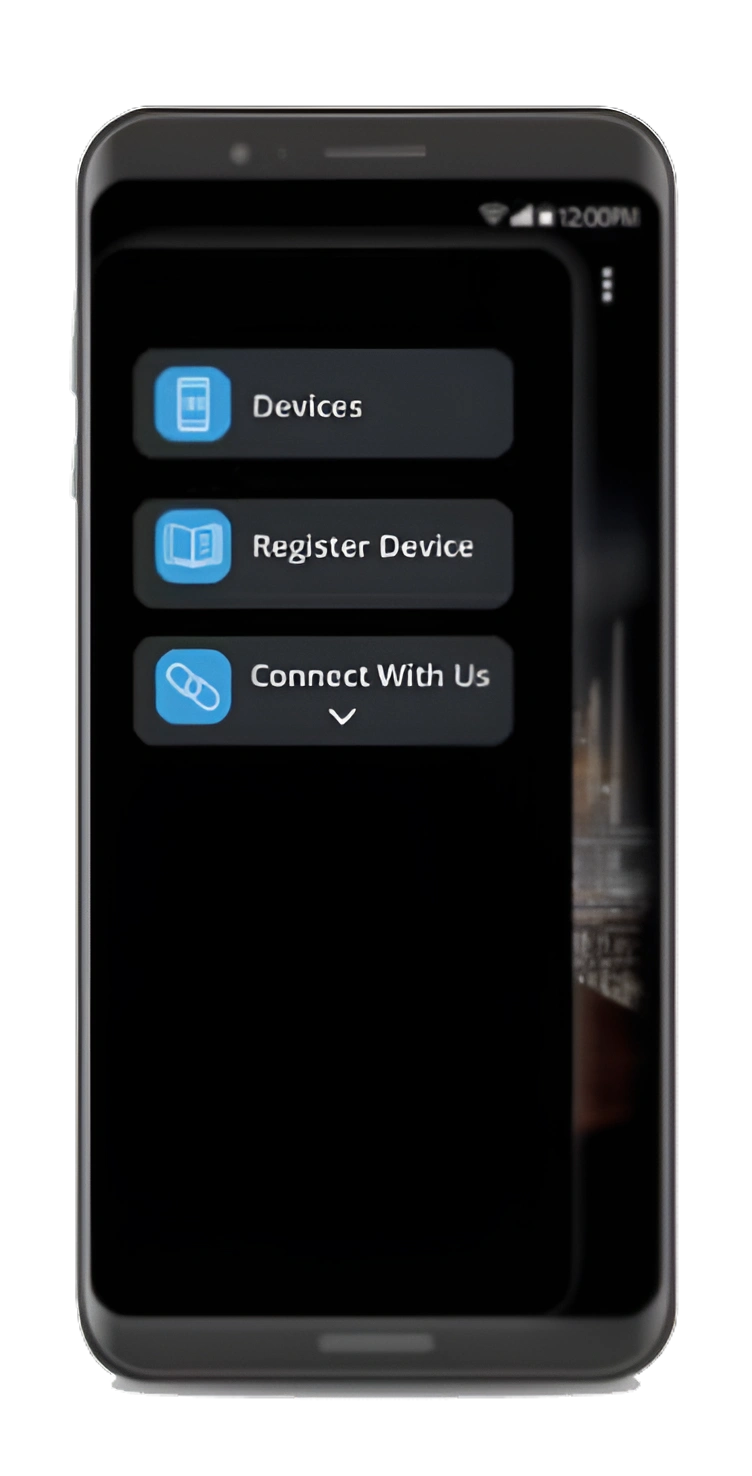
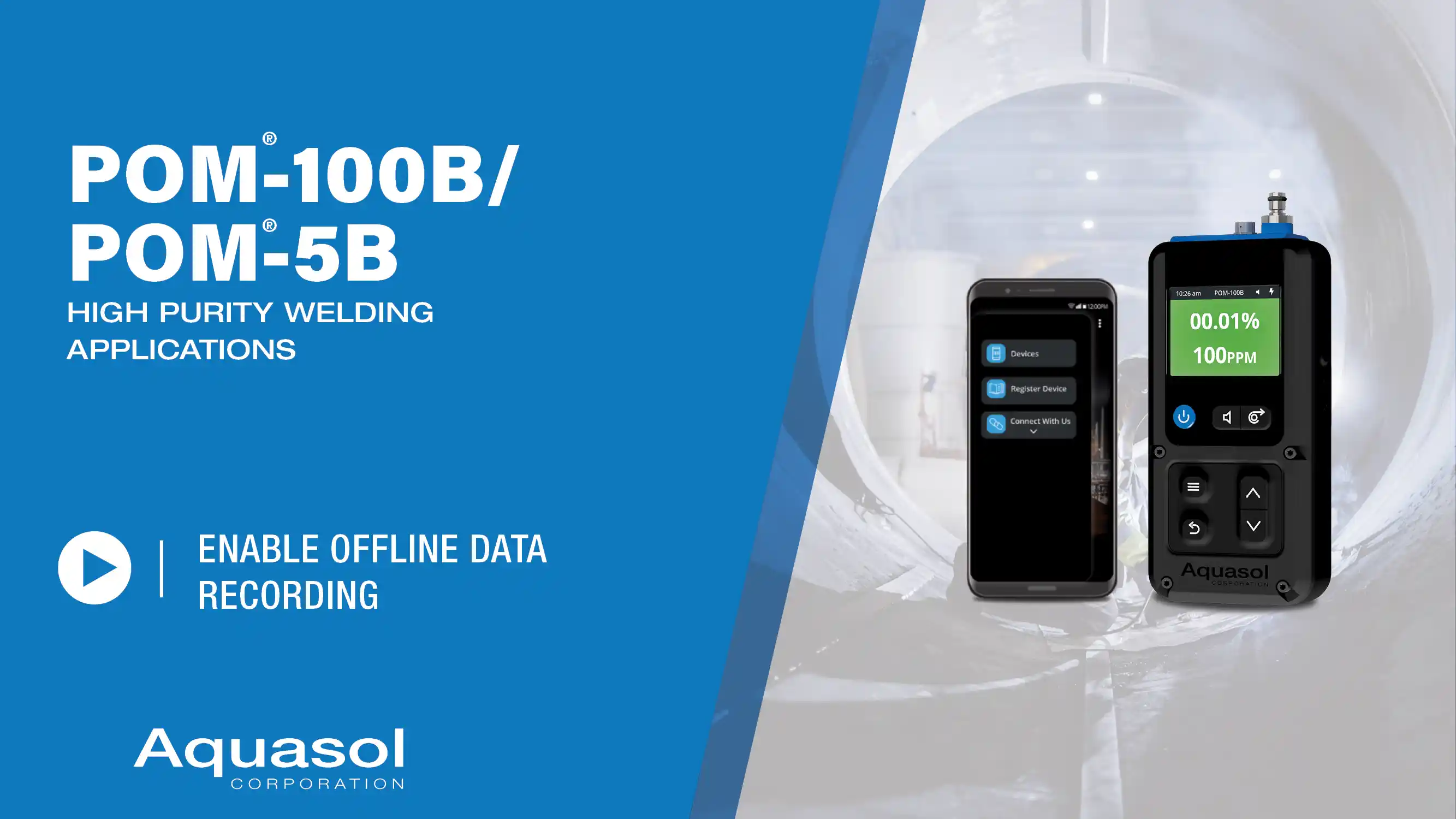
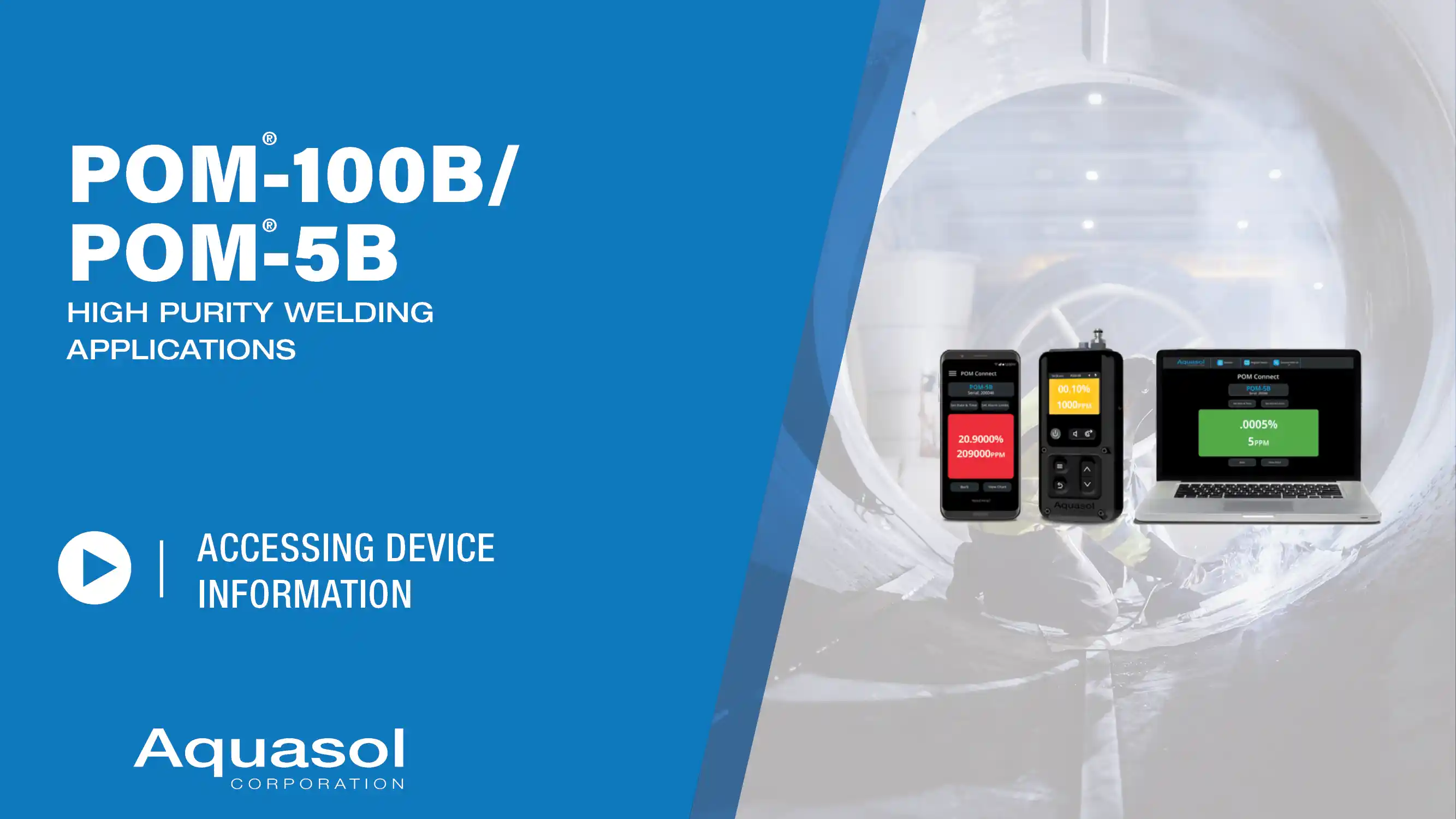
Real-time Operation via Android, iOS and Windows App
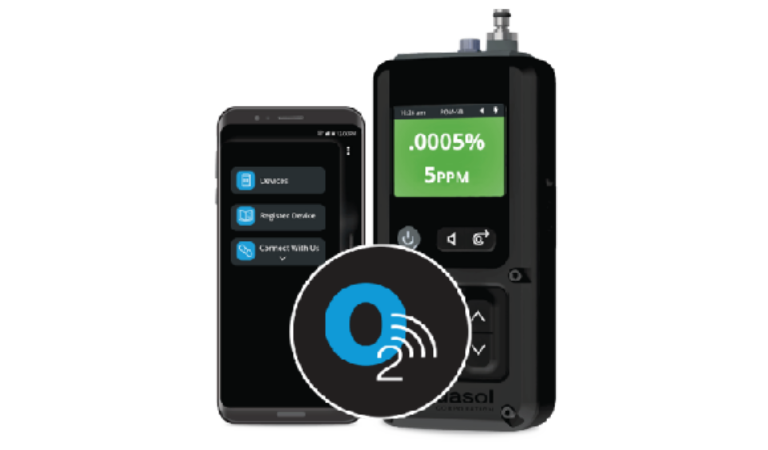
The POM-5B is equipped with a BLE transmitting device which allows the oxygen monitor to send the oxygen readings wirelessly to any BLE device (i.e. Smartphone/Laptop)
Note:
Compatible with companion Apps available on Android, iOS and Windows
Device MUST be equipped with BLE or purchased separately
To save unlimited readings, POM-5B MUST be connected to device
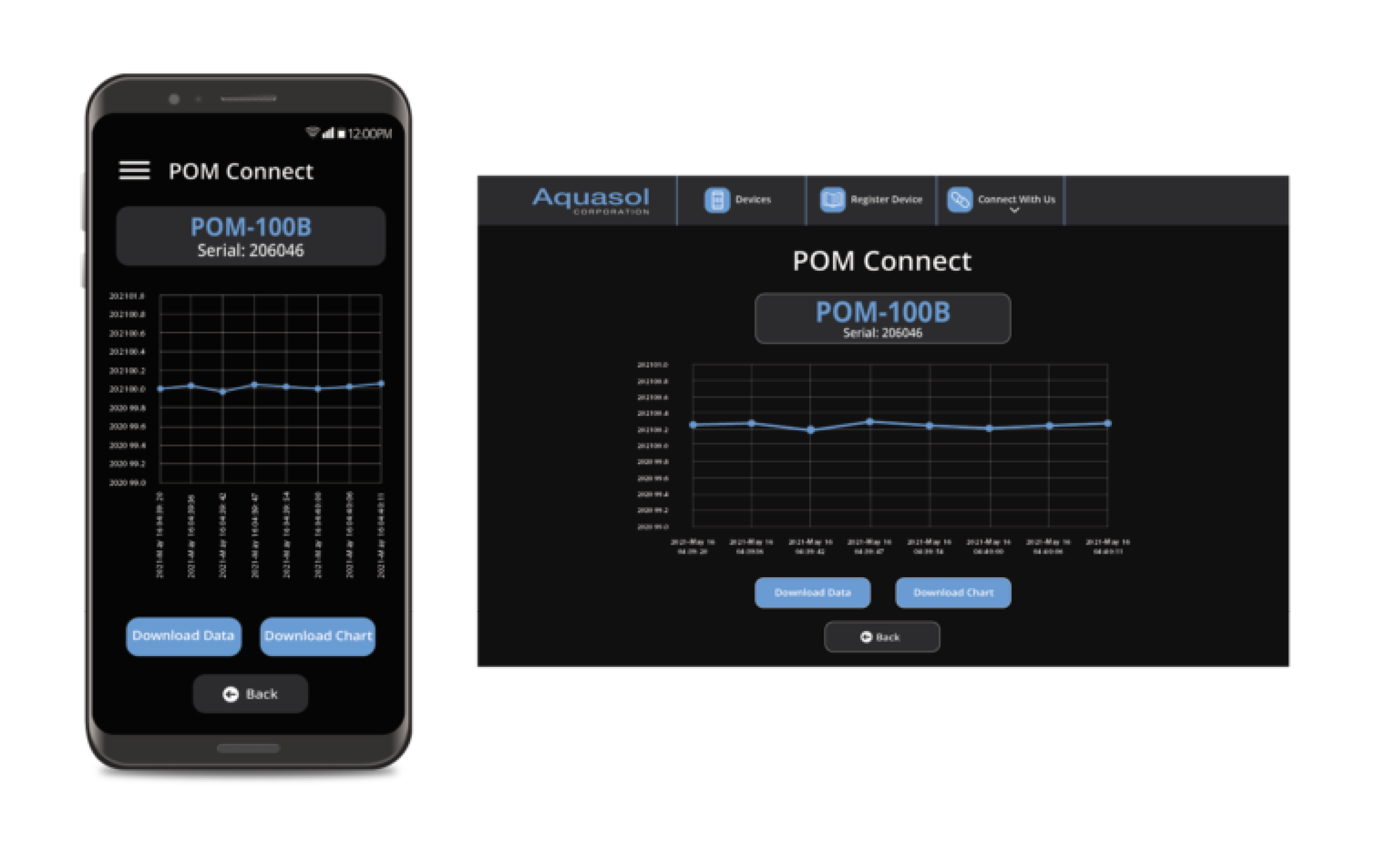
Unlimited Data Logging Capabilities in Real Time
With POM-5B you will be able to create unlimited real time records of oxygen levels for critical welding applications
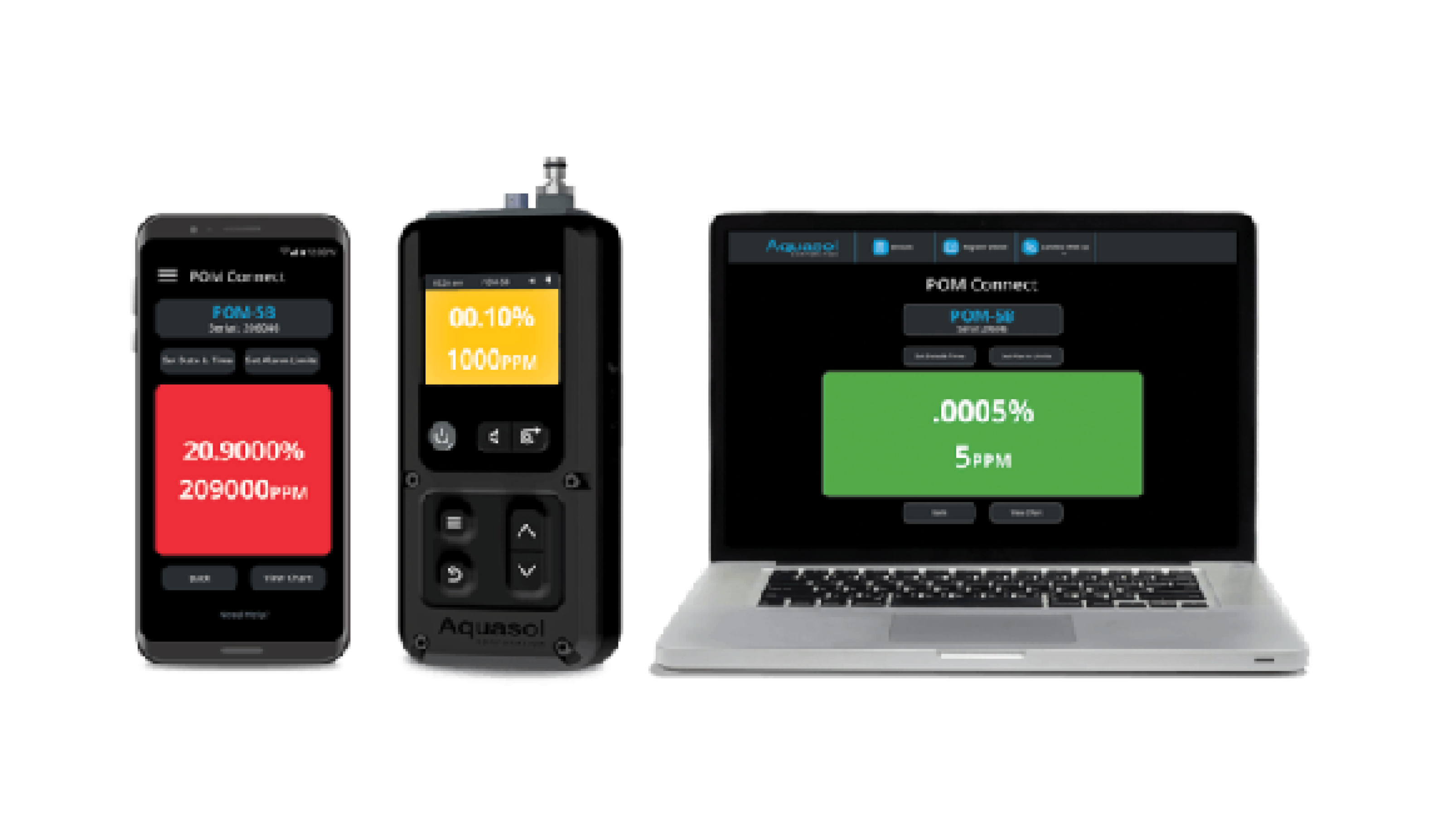
The main view contains current oxygen readings with clearly visible Intelligent Color Notification System
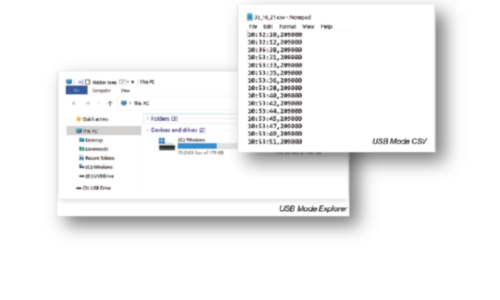
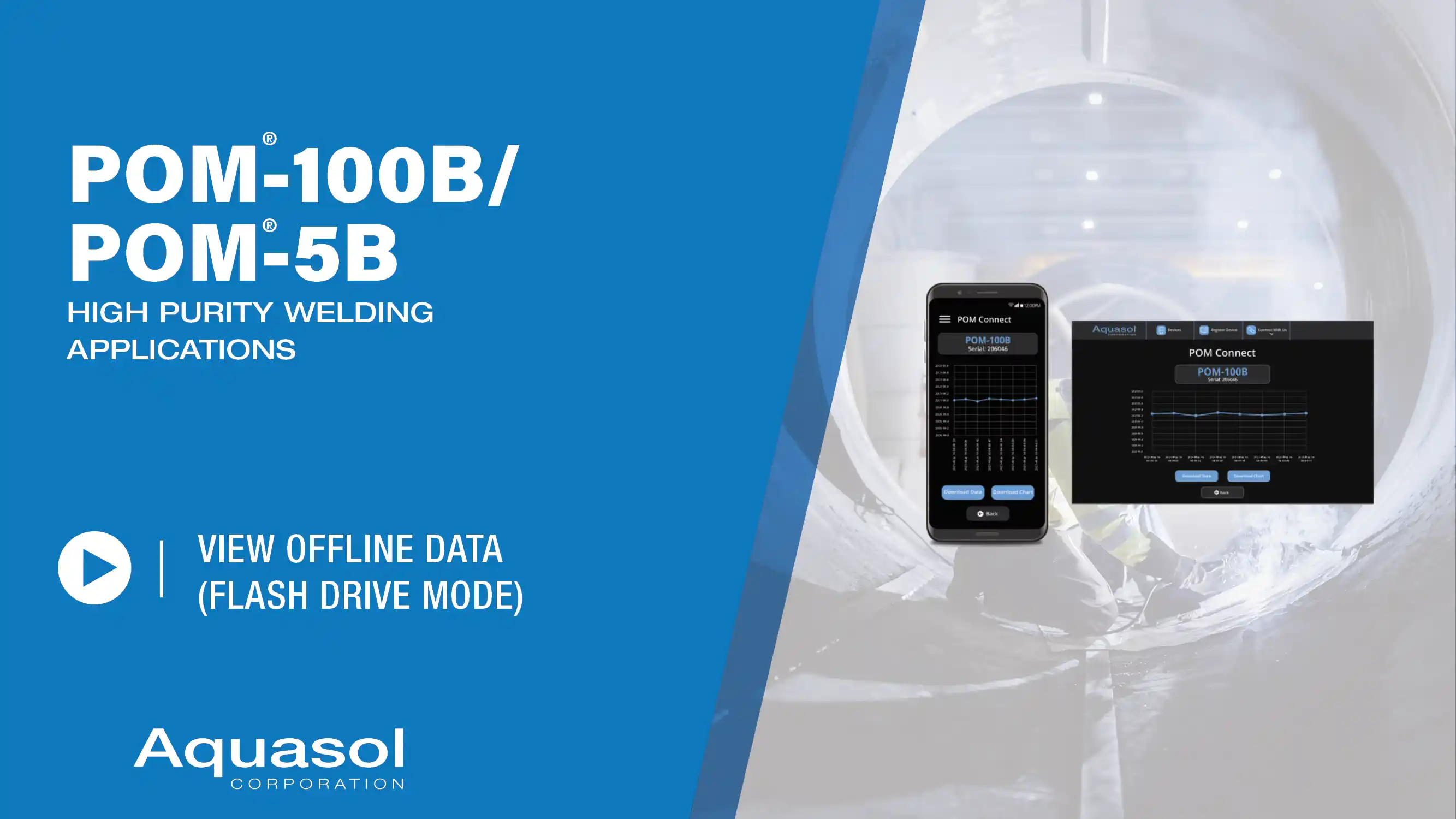
Access the offline logs stored on the unit, connect the unit to the computer using the provided USB printer cable
The unit will store a log of every data point in a CSV (comma-separated value) file with a default name of MM-DD-YY.csv
To save unlimited readings, POM-5B MUST be connected to device
Intelligent Color Notification System
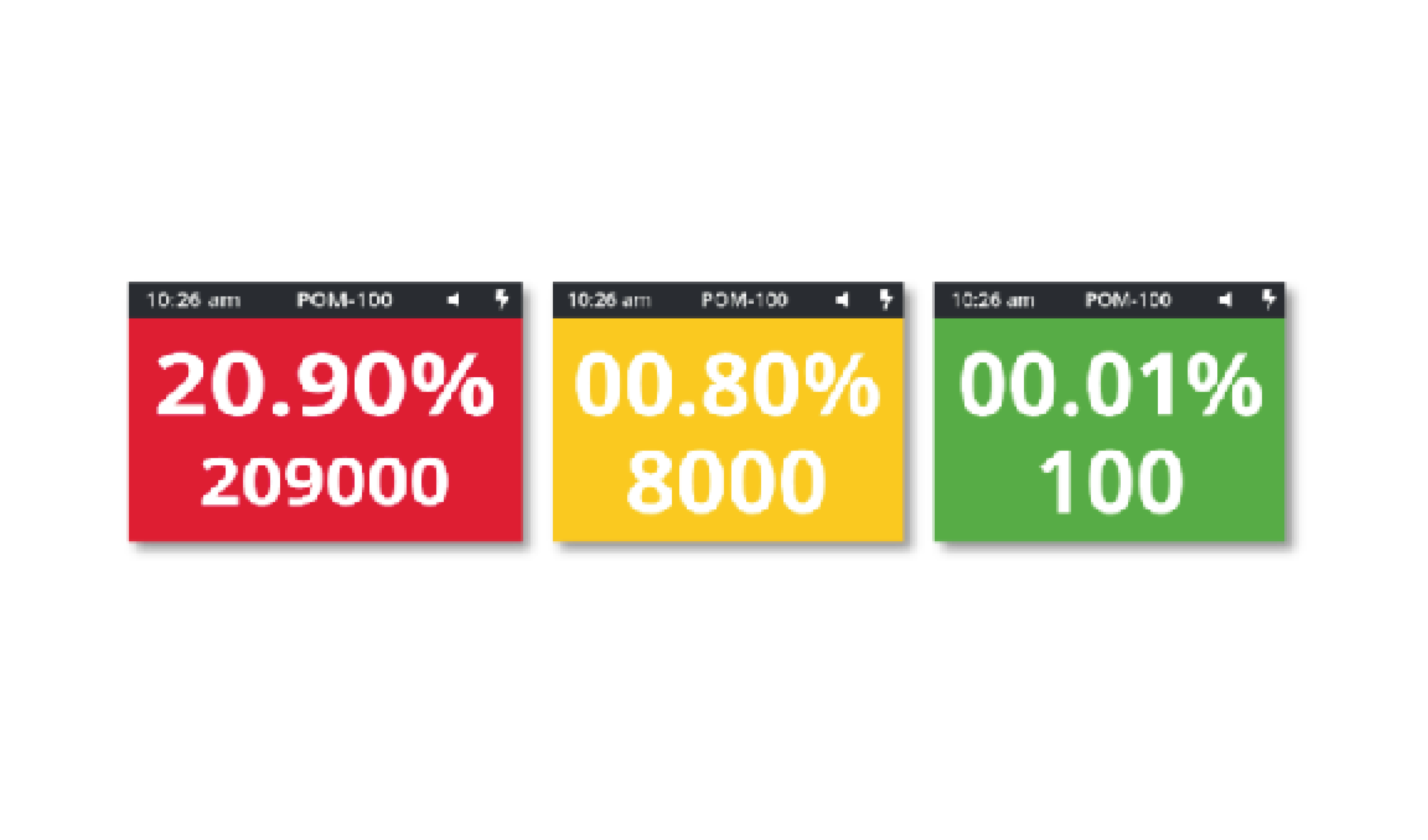
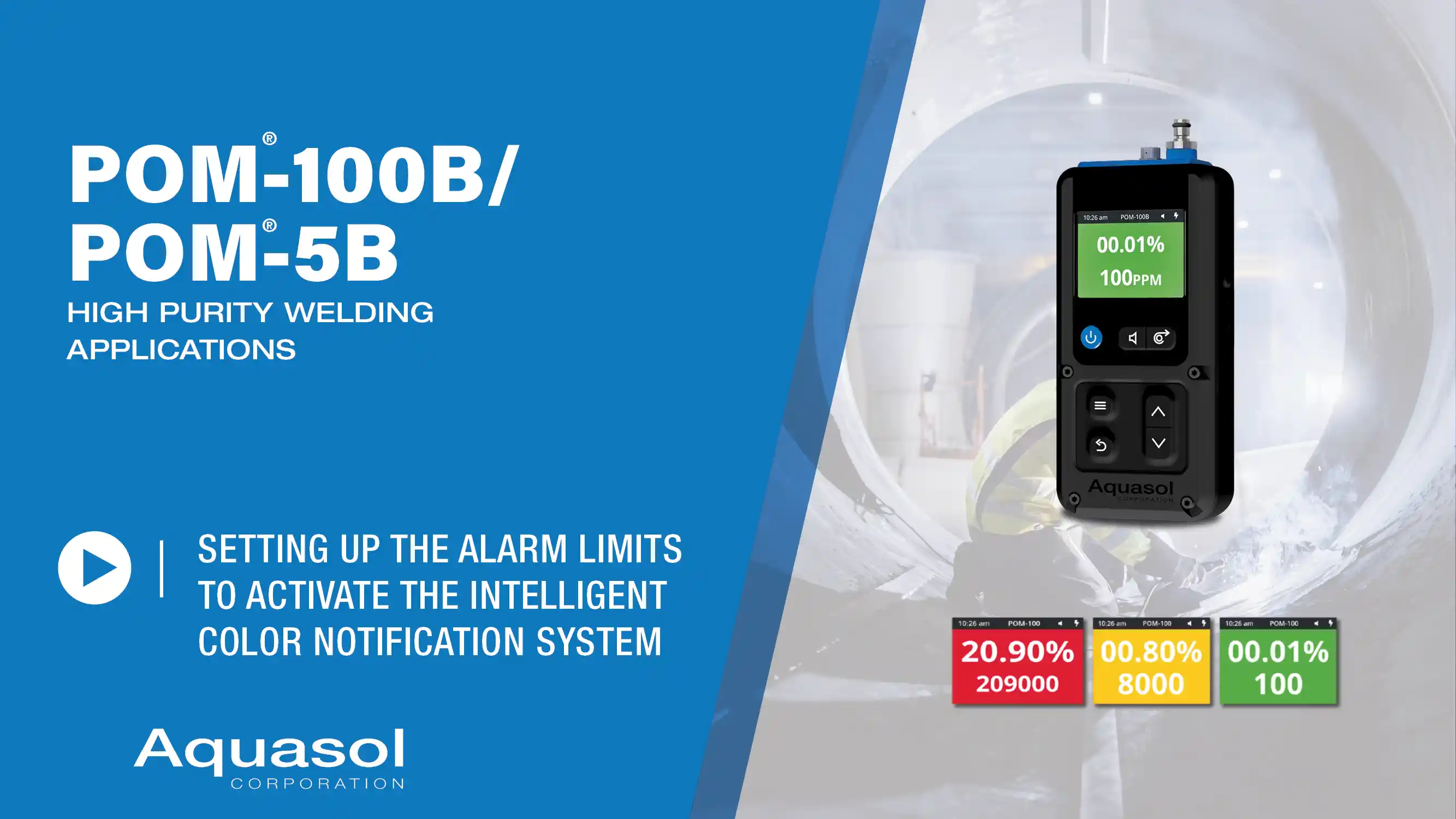
This smart system displays red, amber and green for a quick visual on operator set parameters. The traffic light’s universal appearance is easy and quick for operators and inspectors to understand, reducing the chance of error
Eliminate guesswork as Alarms can be set to desired O2 PPM value
Acceptable oxygen levels can be customized to the user specifications
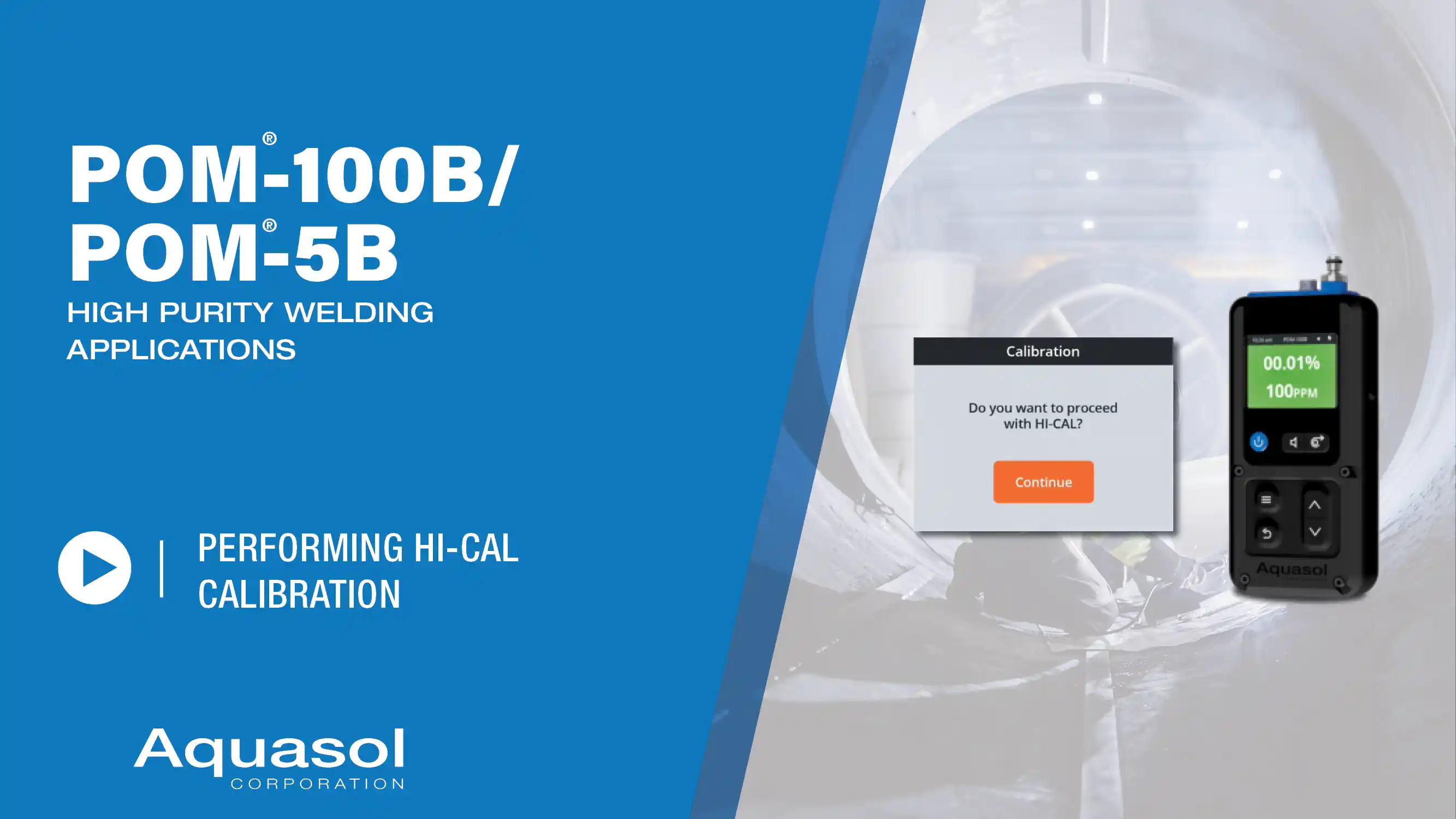
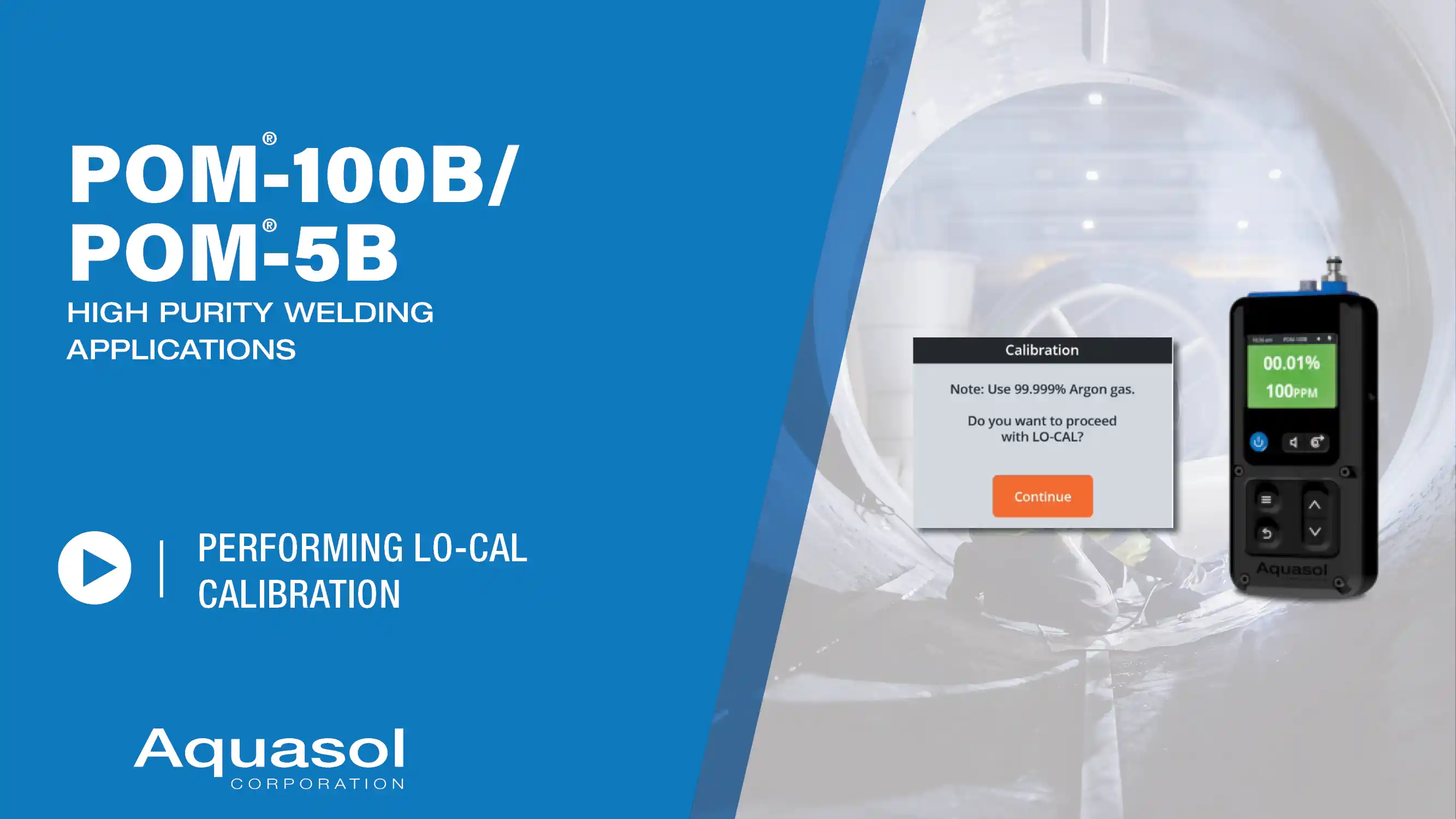
Factory Calibrated and Certified
The POM-5B Oxygen Monitor is factory calibrated and certified, accompanied by a dated certificate of authentication
Meets requirements specified by the National Institute of Standards and Technology
2 Point Calibration Model:
Calibrates using ambient air and 99.999% Argon
How POM-5B Works
Set Up Unit:
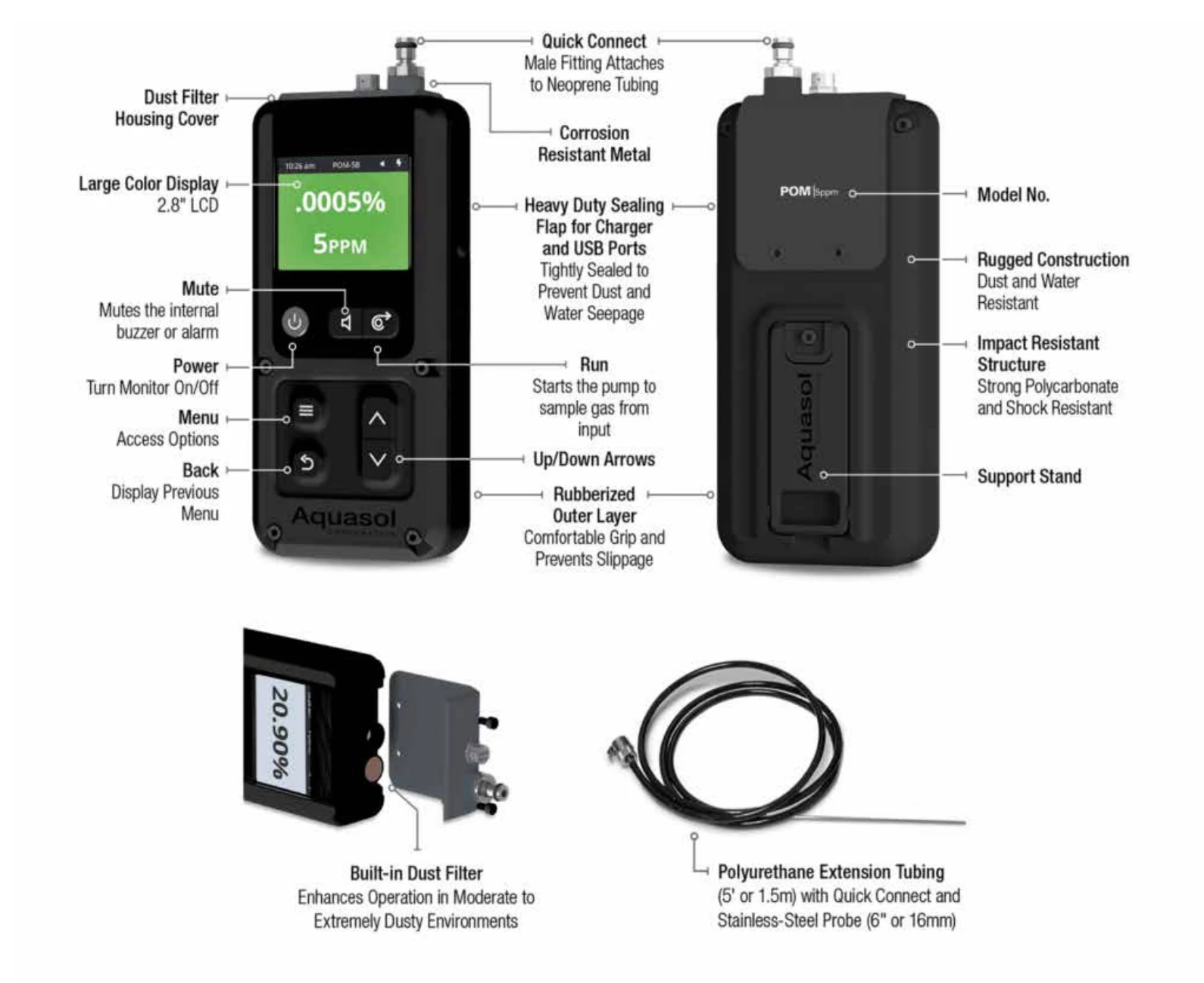
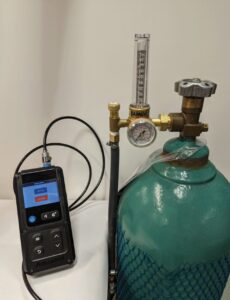
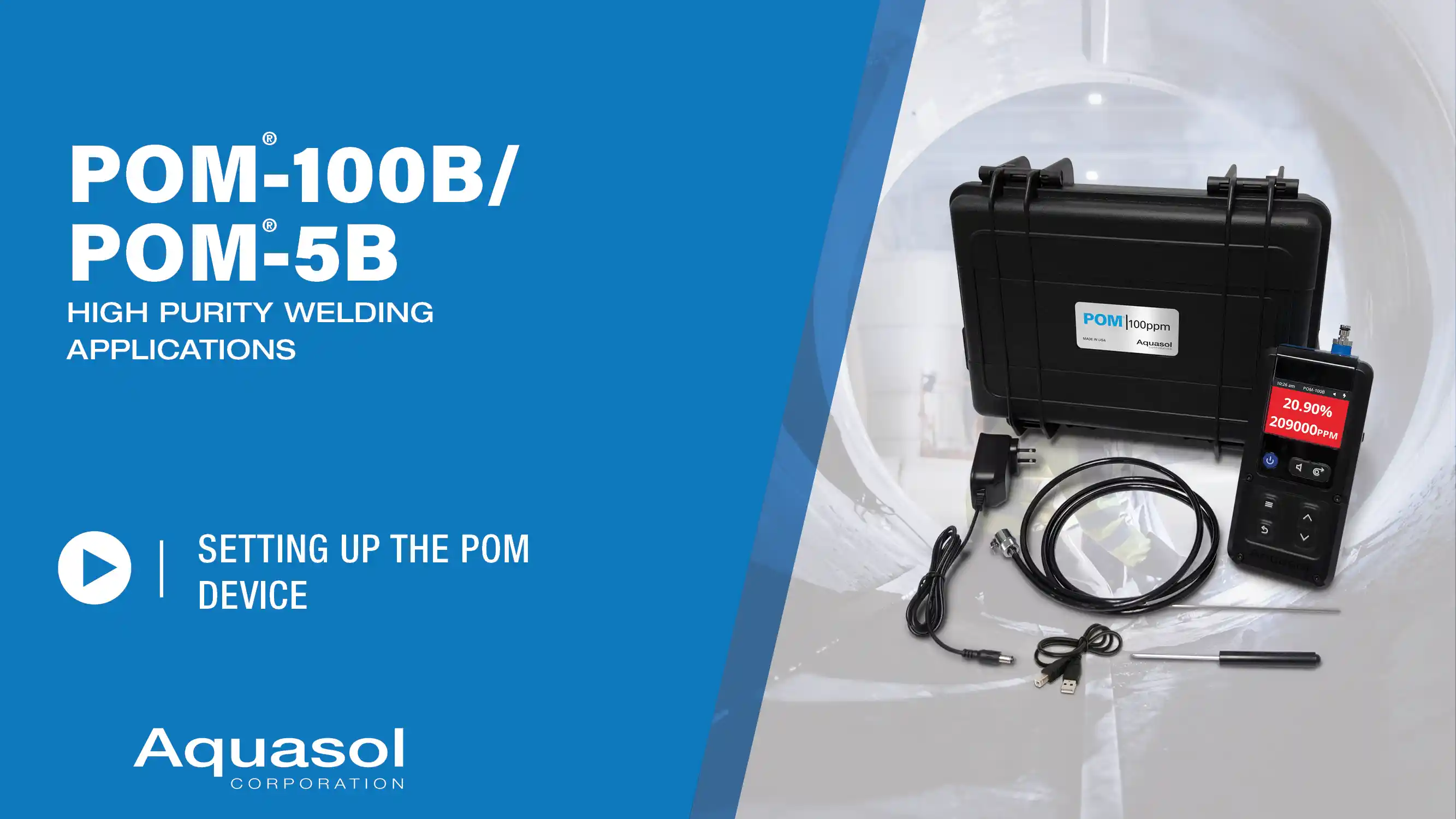
Attach the Polyurethane Extension Tubing with Female Quick Connect Fitting to the Male Quick Connect Fitting on the top of POM-5B
Pull gently to ensure the connection is securely in place
The tubing can easily be removed with the push of a button, no tools are necessary
Connecting to Bluetooth
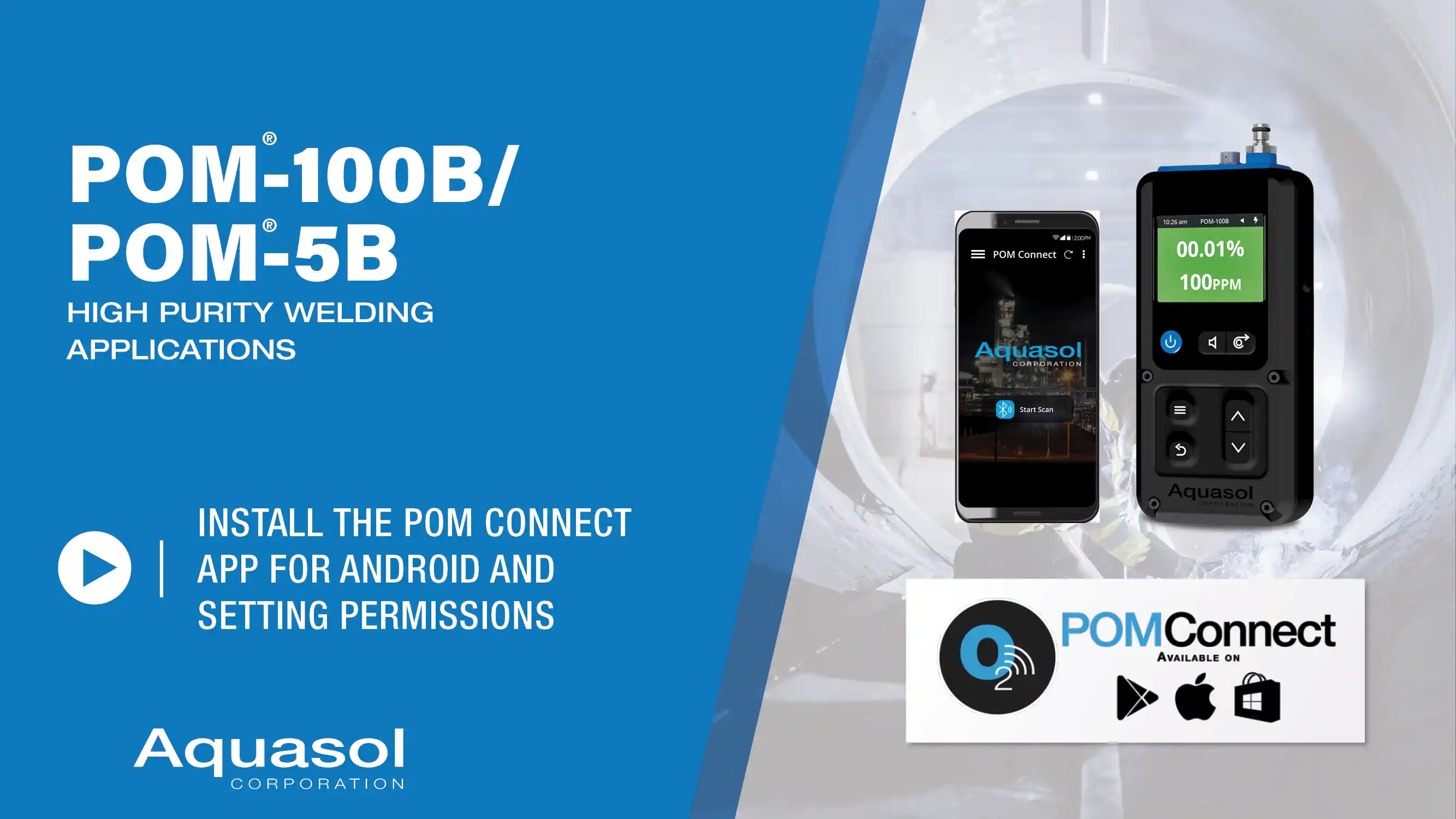
Open App Store (iPhone App Store for iPhone, Google Play App Store for Android, Microsoft Store for Windows) on your Smartphone/Laptop
Search for “POM CONNECT” App by Aquasol Corporation
Install the “POM CONNECT” App
To Set Language:
Press the “MENU/ENTER” Button
Select “Languages” and press the “MENU/ENTER” button
Using the “UP/DOWN” arrow buttons, scroll and choose the desired language (English, German, Spanish, Portuguese and Japanese)
Once the language is highlighted, press the “MENU/ENTER” button
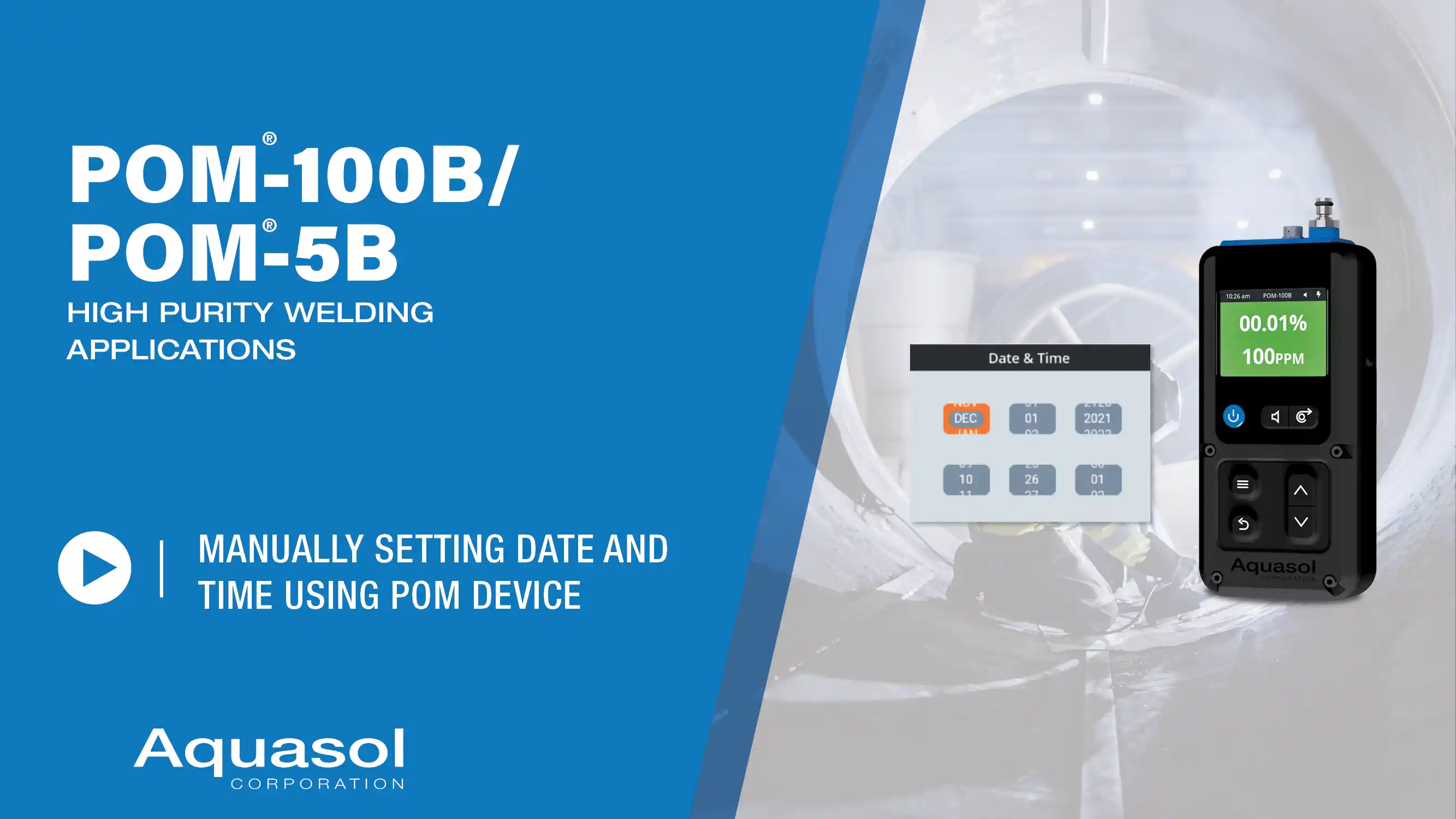
There are two (2) ways to set the Date and Time: Automatic and Manually
To Set Date and Time Automatic:
You can use any one of the BLE Apps to set the Date and Time. (Refer to your manual section 3.10.5. Update Date and Time Through App)
To Set Date and Time Manually:
Clicking on “Set Date & Time” sets the POM-5B unit to the current date and time on your Smart Phone/Laptop
Press the “MENU/ENTER” button
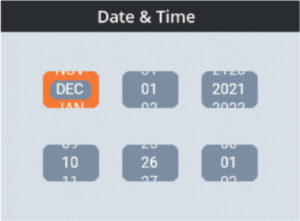
Using the “UP/DOWN” arrow buttons, select “DATE & TIME” and press the “MENU/ENTER” button
Select Month, Day, and Year using the “UP/ DOWN” arrow buttons and pressing “MENU/ ENTER” button after each selection. Repeat for time settings
Once the DATE & TIME are set, press the “BACK” button to return to the “MAIN MENU”
To Set Alarm ON/OFF:
Set Alarm Limits:
Press the “MENU/ENTER” button
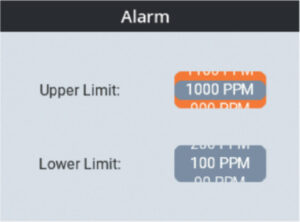
Using the “UP/DOWN” arrow buttons, select “Set Alarm Limits”. Press the “MENU/ENTER” button
The Alarm Limits are used for the Intelligent Color Notification System
Press the “MENU/ENTER” button to confirm the limit values
Press the “BACK” button to return to the “MAIN MENU”
Red indicates that the current measurement is greater than the “Upper Alarm Limit”
Yellow indicates that the current measurement is between the “Upper Alarm Limit” and “Lower Alarm Limit”
Green indicates that the current measurement is lower than the “Lower Alarm Limit”
Factory Calibrated and Certified:
The POM-5B Oxygen Monitors is factory calibrated and certified, accompanied by a dated certificate of authentication
Meets requirements specified by the National Institute of Standards and Technology
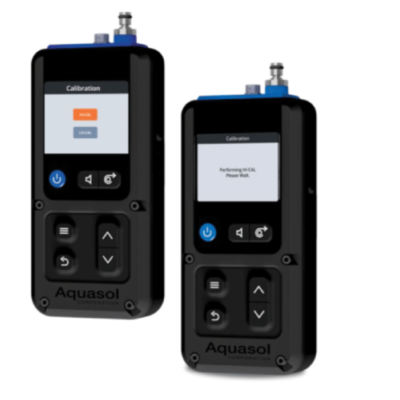
2 Point Calibration: Calibrates using ambient air and 99.999% Argon
Intelligent Color Notification System
Operator sets “Upper Alarm Limit” and “Lower Alarm Limit” for a quick visual check on current oxygen level
RED Indicates current measurement is greater than the “Upper Alarm Limit”
YELLOW Indicates current measurement is between the “Upper Alarm Limit” & “Lower Alarm Limit”
GREEN Indicates current measurement is lower than the “Lower Alarm Limit”
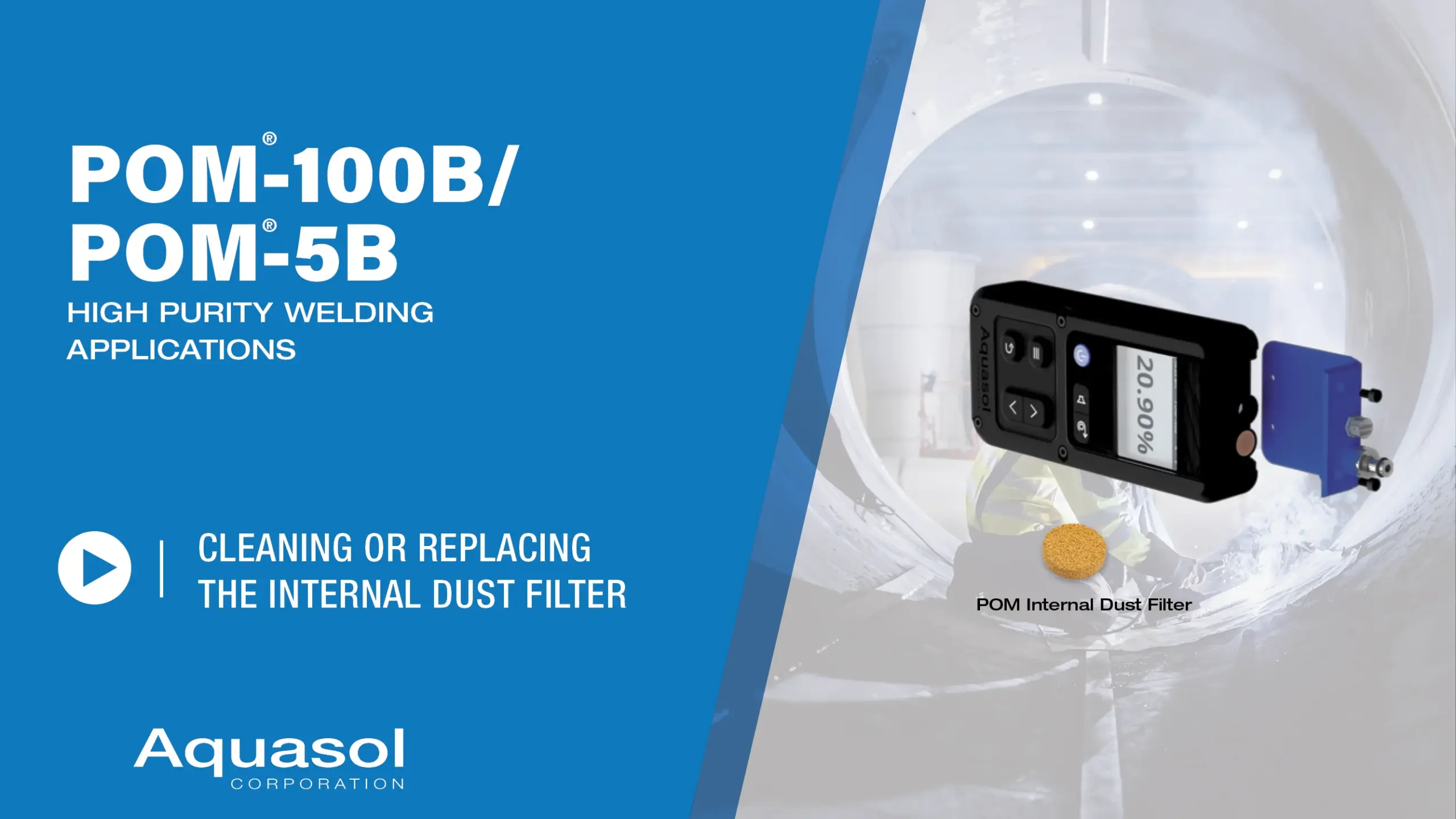
Built-in Internal Dust Filter*
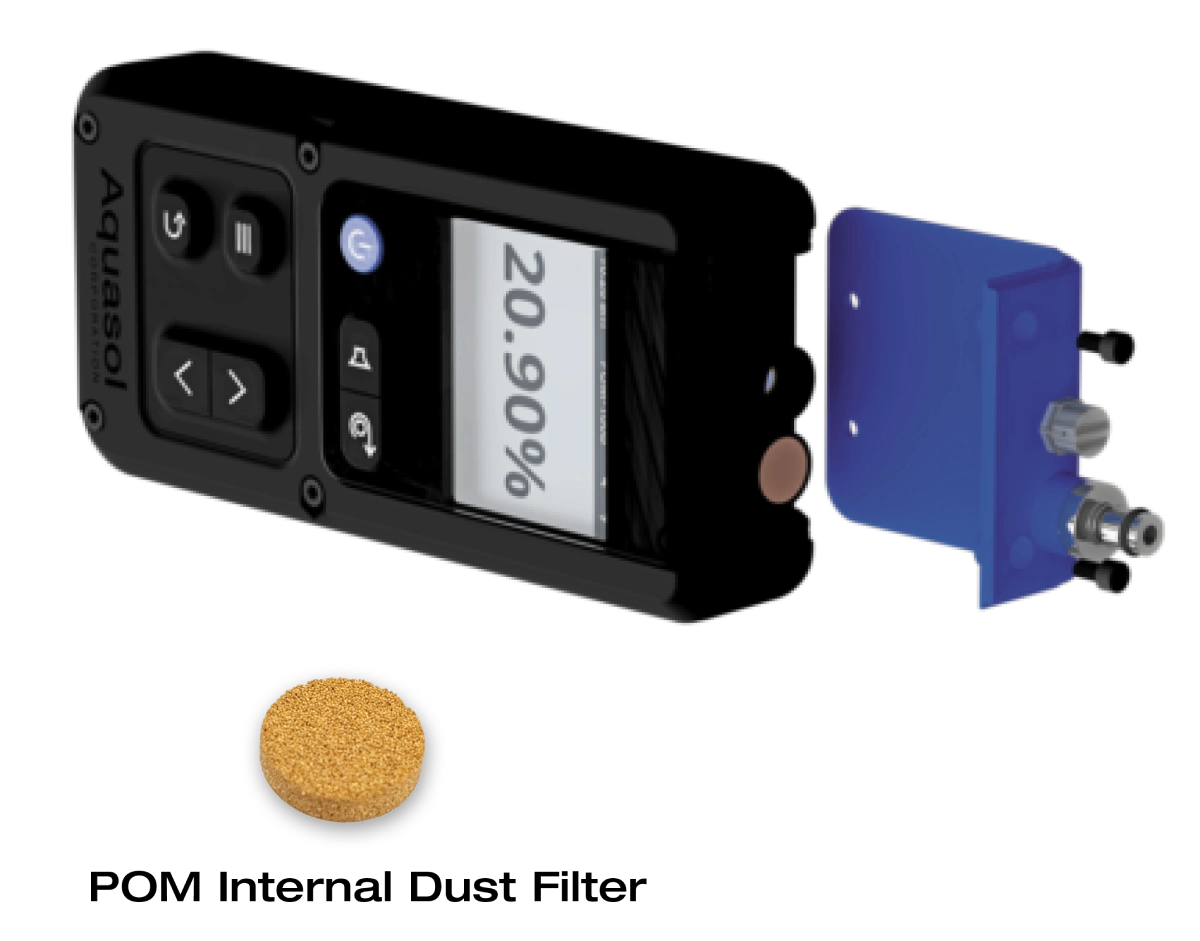
To ensure the long-term operation of the POM-5B, it is equipped with a built-in dust filter to capture dust and debris.
The sintered bronze Dust Filter sits in the input port inside the device
The Dust Filter can be cleaned if exposed to extremely dusty environments as well as replaced
External Dust Filter*
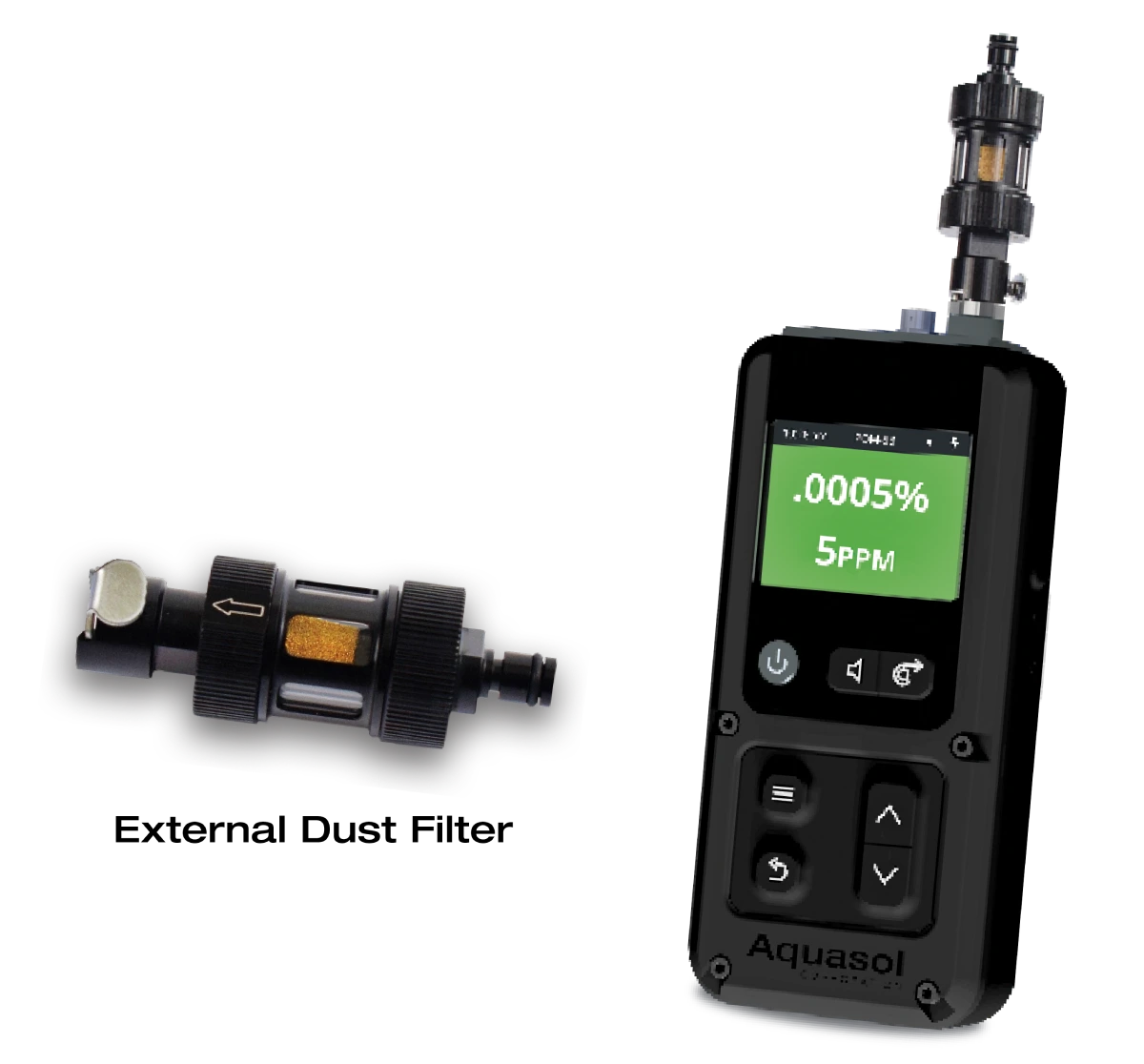
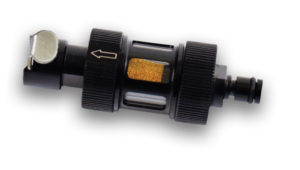
The External Dust Filter is now included with the POM-5B, and serves as an additional safeguard to enhance the monitor’s performance.
The External Dust Filter is engineered to capture debris and particulate matter that could interfere with the flow of atmosphere being measured by the oxygen monitor.
It helps prevent blockages in the intake hose, ensuring accurate and uninterrupted measurements.
*Regular maintenance of both filters ensures the longevity and efficiency of your POM®-5B
Built-in Internal Dust Filter*
To ensure the long-term operation of the POM-100B, it is equipped with a built-in dust filter to capture dust and debris.
The sintered bronze Dust Filter sits in the input port inside the device
The Dust Filter can be cleaned if exposed to extremely dusty environments as well as replaced
POM Internal Dust Filter
External Dust Filter*
The External Dust Filter is now included with the POM-5B, and serves as an additional safeguard to enhance the monitor’s performance.
The External Dust Filter is engineered to capture debris and particulate matter that could interfere with the flow of atmosphere being measured by the oxygen monitor.
It helps prevent blockages in the intake hose, ensuring accurate and uninterrupted measurements.
*Regular maintenance of both filters ensures the longevity and efficiency of your POM®-5B
POM REGISTRATION
POM-5B Registration
It is important to Register the POM-5B to start warranty services. It’s quick and the link is conveniently located in the menu options of the POM device or the POM Connect App.
Please contact us with a photo of “Device Info” screen on the unit. Or you can access same info after connecting via “POM Connect” App and clicking on “Info” button
Yes, upgrade is possible. As the sensor is built -in the unit, upgrade must be performed at a certified Aquasol facility. Call 716.564.8888 or send e-mail to orderdesk@aquasolcorporation.com for further instructions.
The Maximum reading it can show is 20.9%. The unit should not be exposed to Oxygen concentration greater than 21%. It may damage the sensor and void the warranty
No, the sensors are built-in. The device must be returned to Aquasol’s USA or Middle East Facility at this time only. the POM like the P-OX 100 device?
Please contact us with a photo of “Device Info” screen on the unit. Or you can access same info after connecting via “POM Connect” App and clicking on “Info” button
Yes, upgrade is possible. As the sensor is built -in the unit, upgrade must be performed at a certified Aquasol facility. Call 716.564.8888 or send e-mail to orderdesk@aquasolcorporation.com for further instructions.
The Maximum reading it can show is 20.9%. The unit should not be exposed to Oxygen concentration greater than 21%. It may damage the sensor and void the warranty